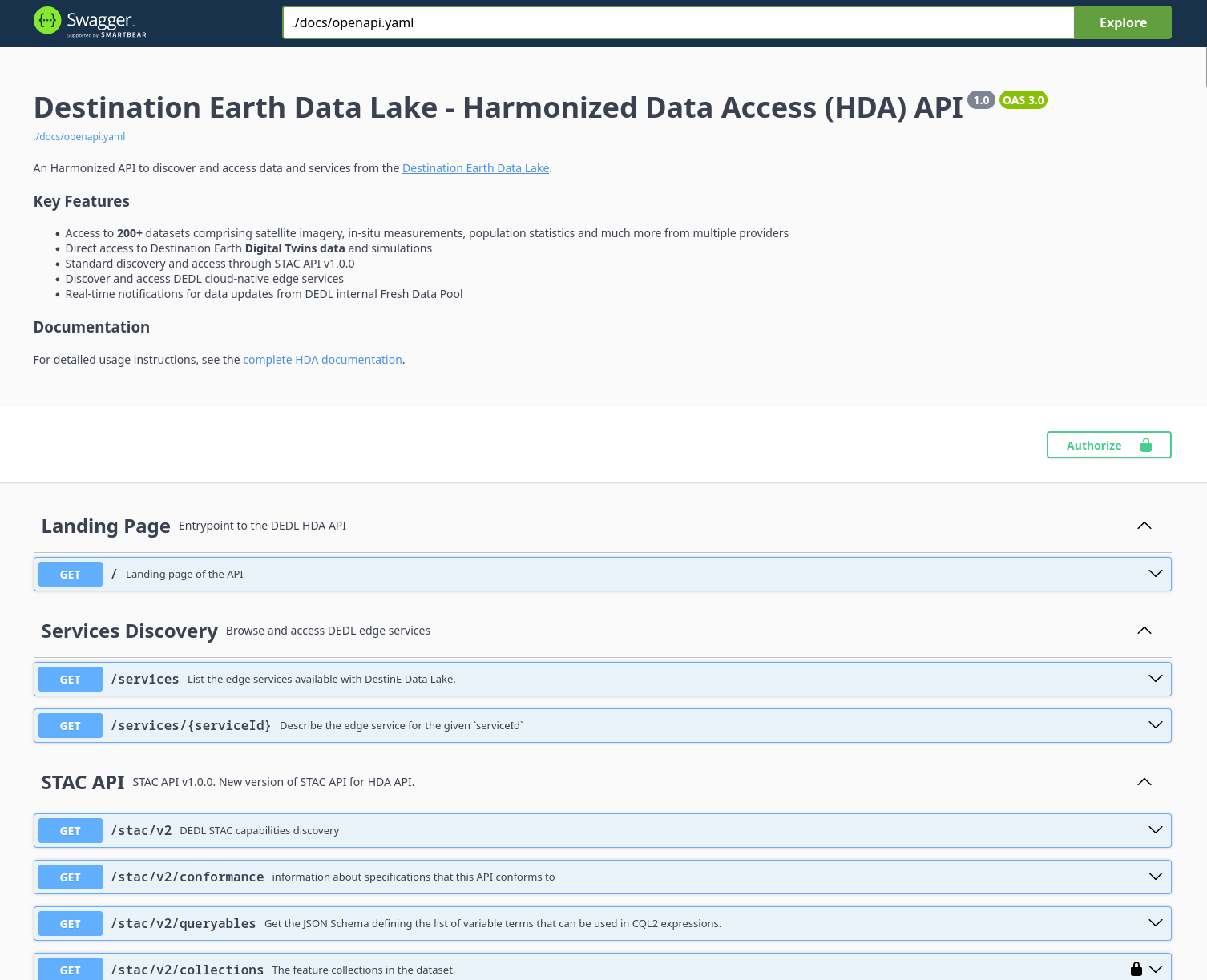
Which datasets can be checked via interactive testing via live API documentation?
Link to live Destination Earth Data Lake - Harmonized Data Access (HDA) API allows for live testing of collections that do not require additional access rights.
Prerequisites
The authentication will take place through the DestinE web portal and, to that end, a DestinE account is required. For technical details, see Overview of DestinE Platform for DestinE Data Lake users
Available data datasets
In Destination Earth Data Lake, the available datasets are available in Data Portfolio:
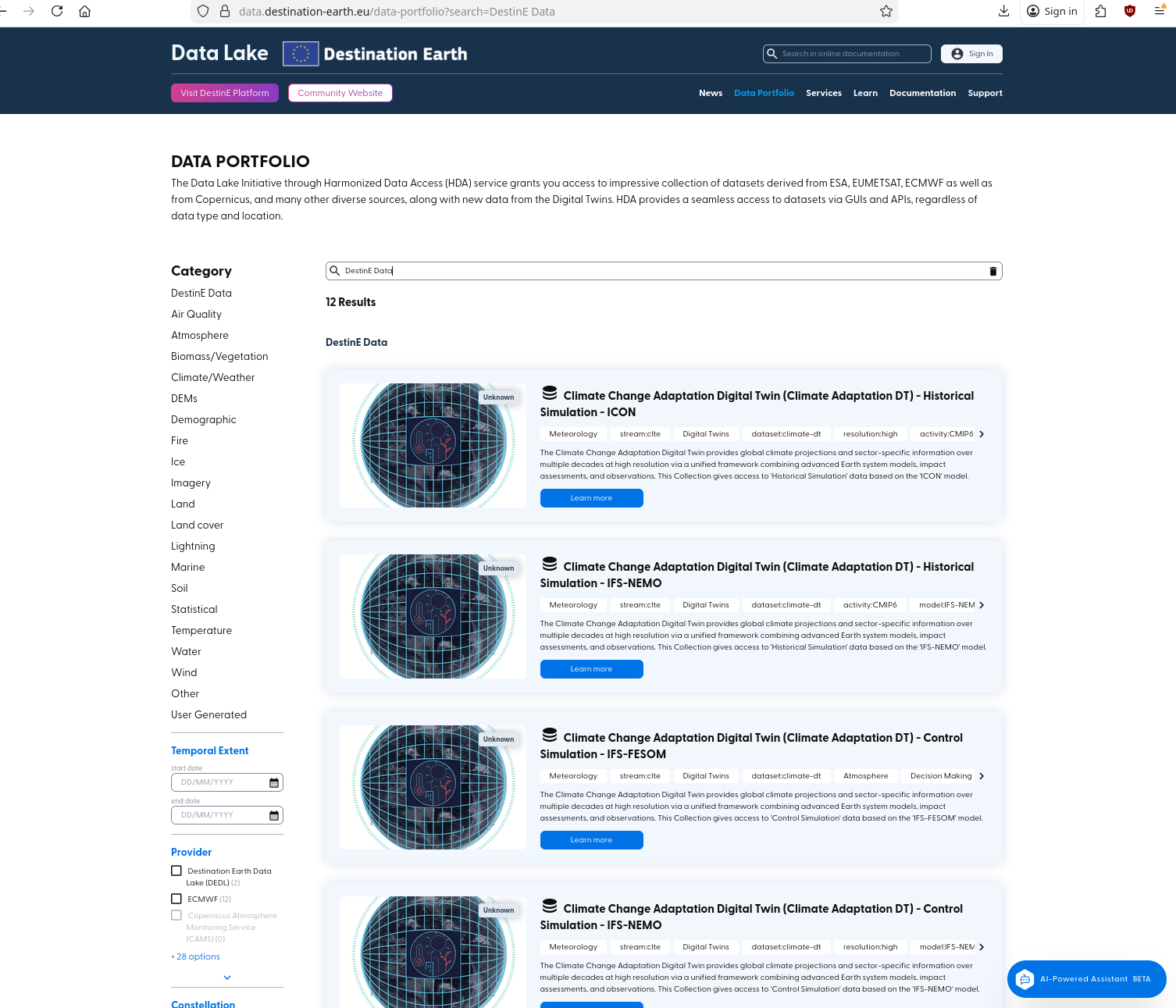
Let us click on a random data collection in, say, Air Quality category on the left, on link
https://data.destination-earth.eu/data-portfolio/EO.AERIS.DAT.IAGOS
At the end of that page, we see links:
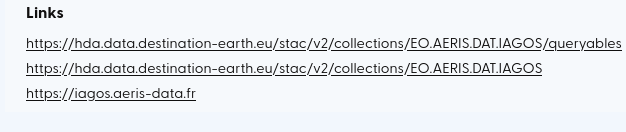
The first link for that data collection, containing the word queryables has its corresponding link within HDA Swagger page:
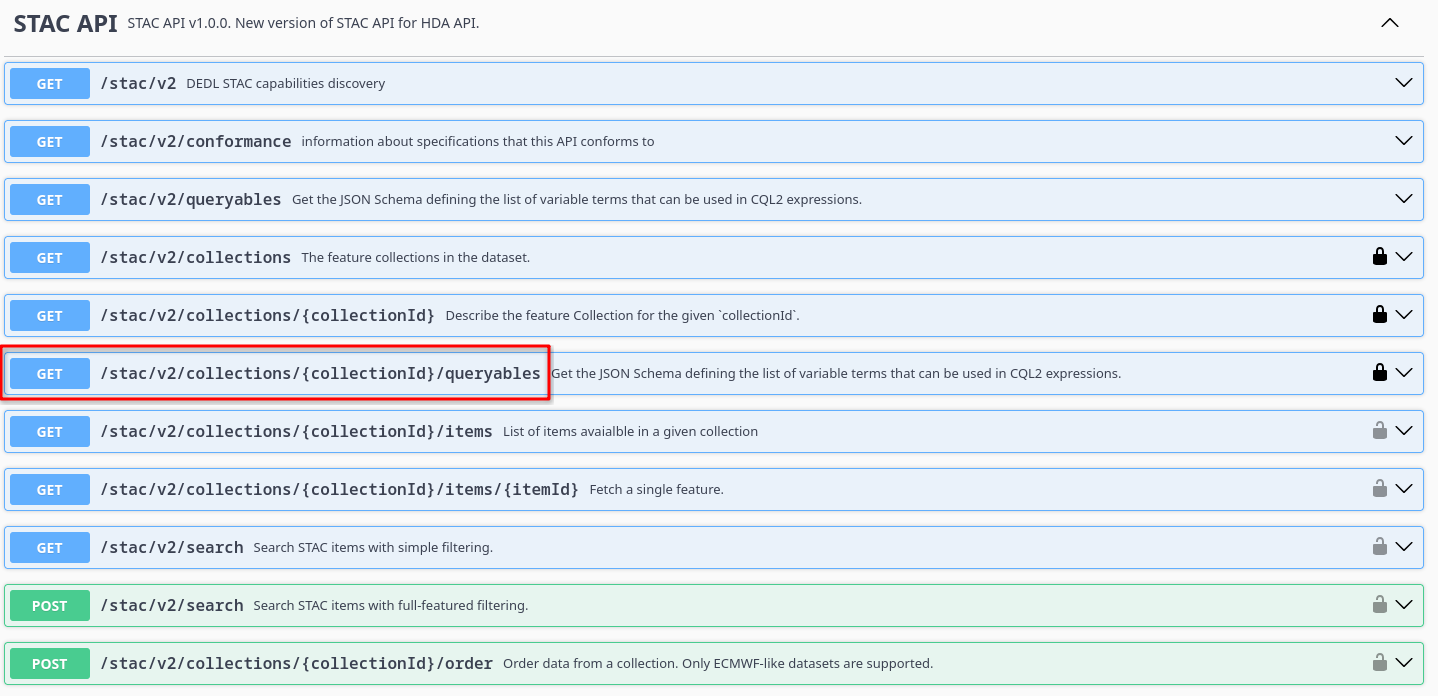
Click on that link and then on Try it out:
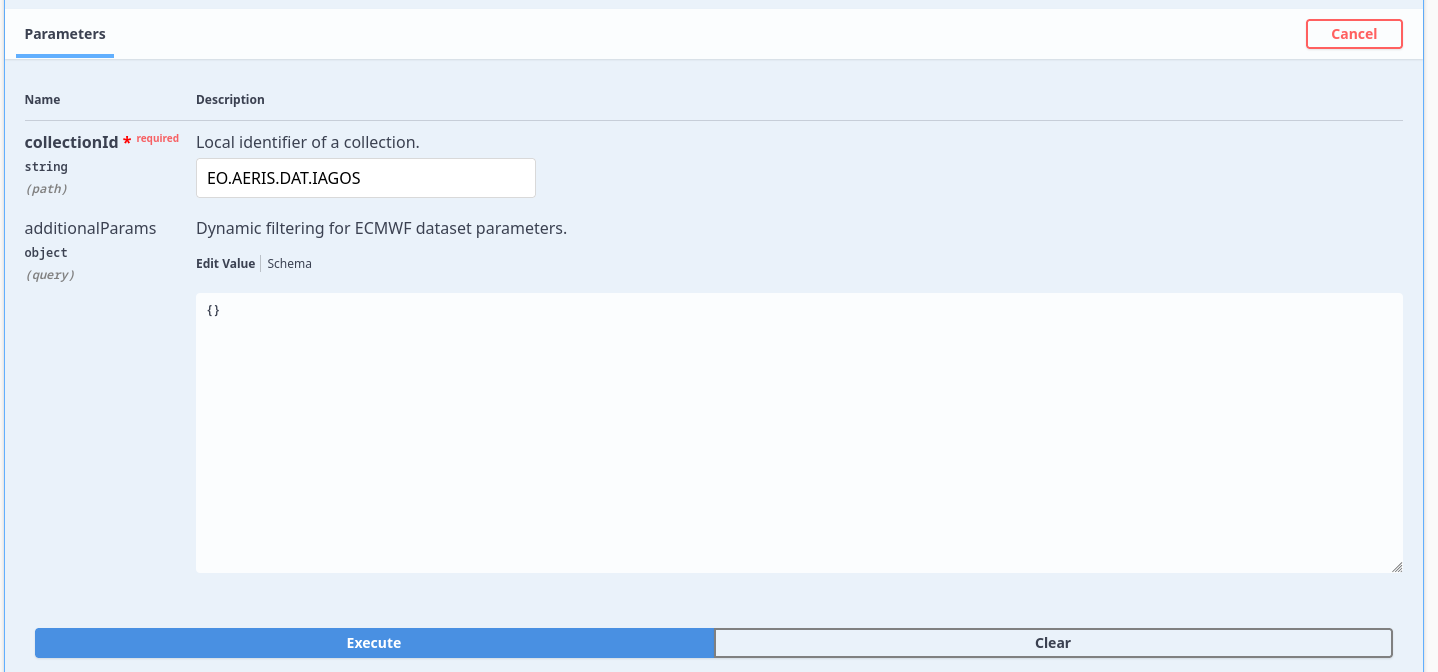
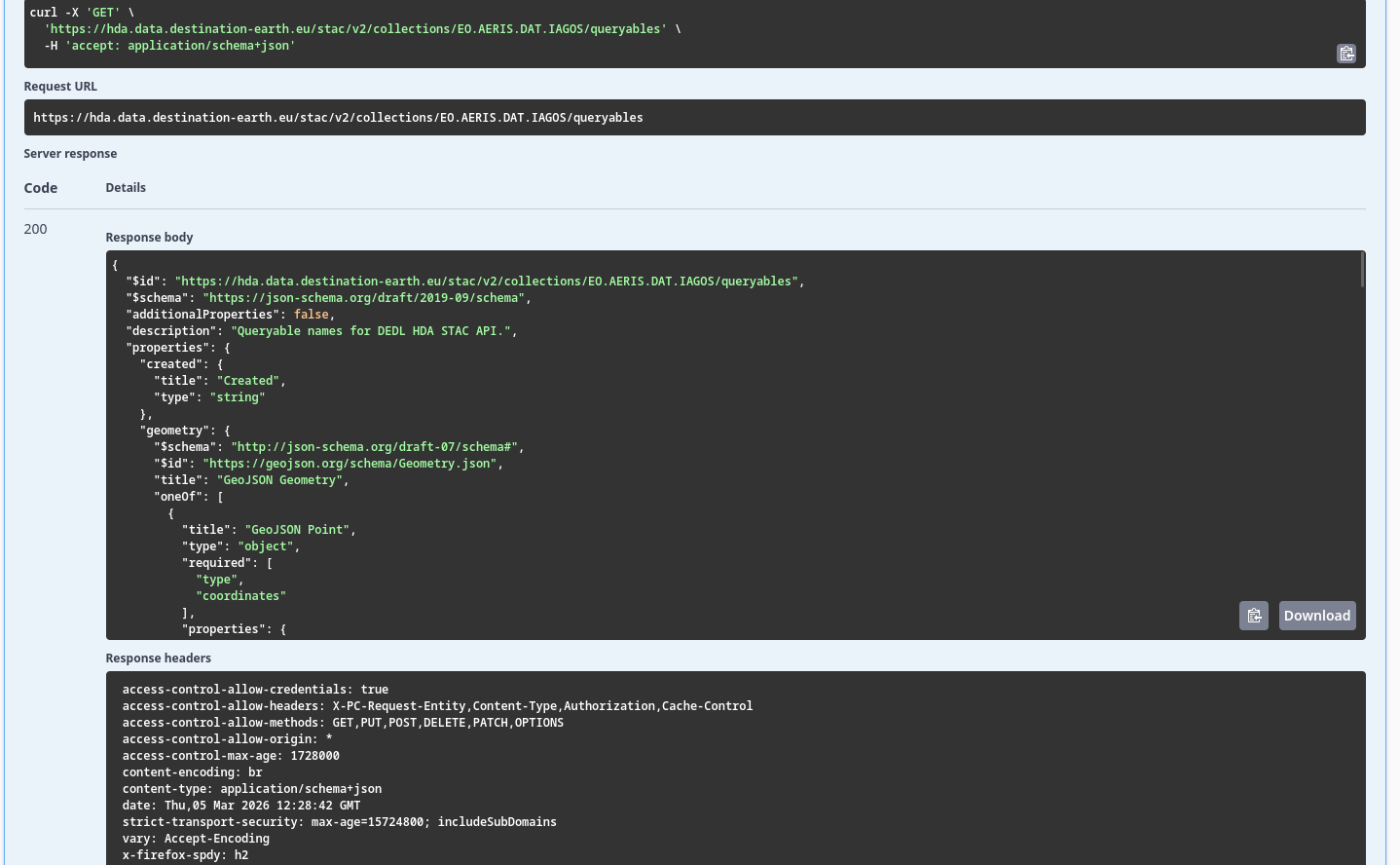
After a click on Execute you get the immediate result:
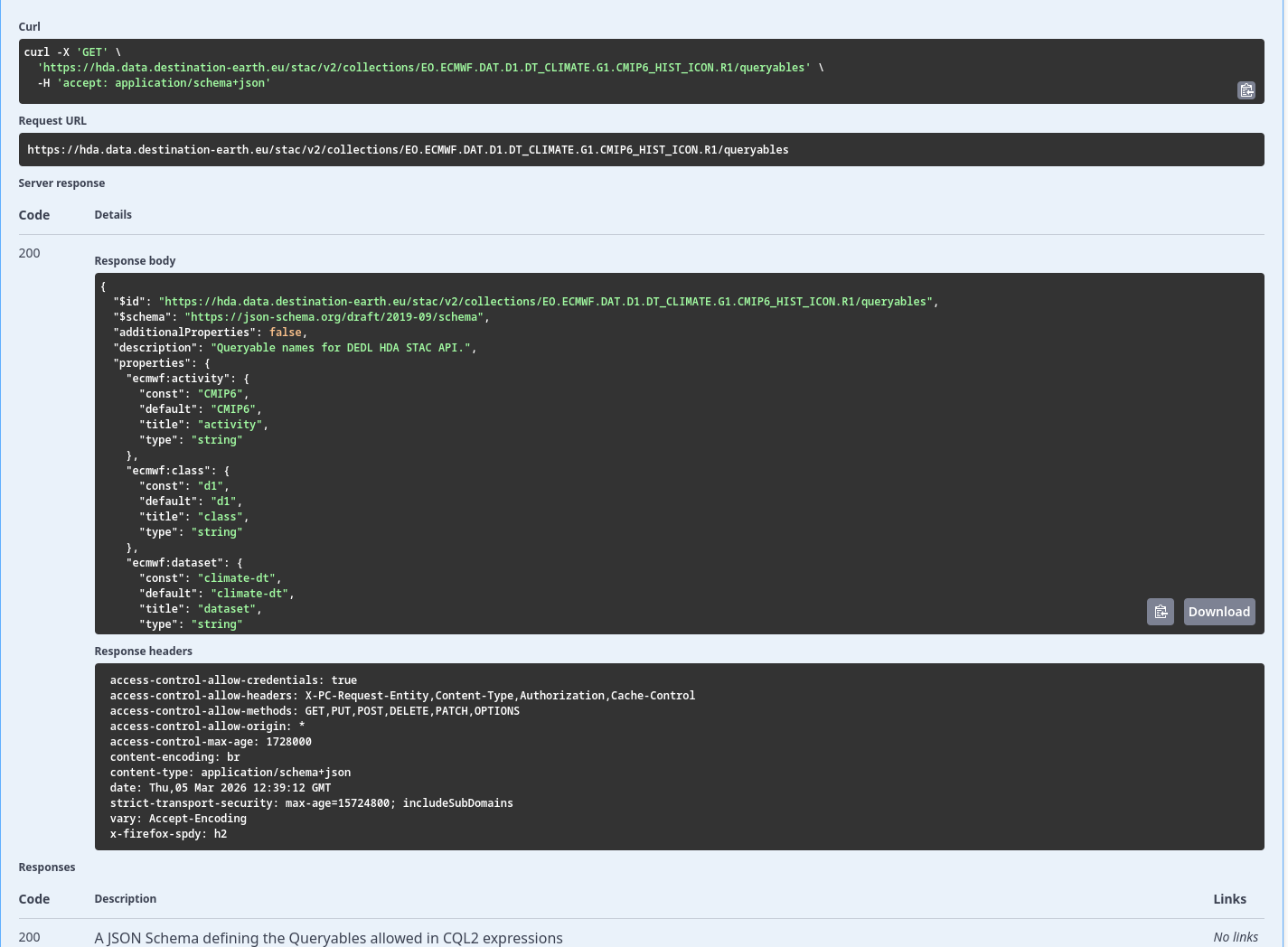
Cannot test DestinE Data collections for the time being
DestinE Data collection require another token for authentication, so you cannot test them interactively, in the web browser. To show the effects, let use link for Climate Change Adaptation Digital Twin (Climate Adaptation DT) - Historical Simulation - ICON, at link:
https://data.destination-earth.eu/data-portfolio/EO.ECMWF.DAT.D1.DT_CLIMATE.G1.CMIP6_HIST_ICON.R1
At the end of that page, we have the following series of links to try to test with:
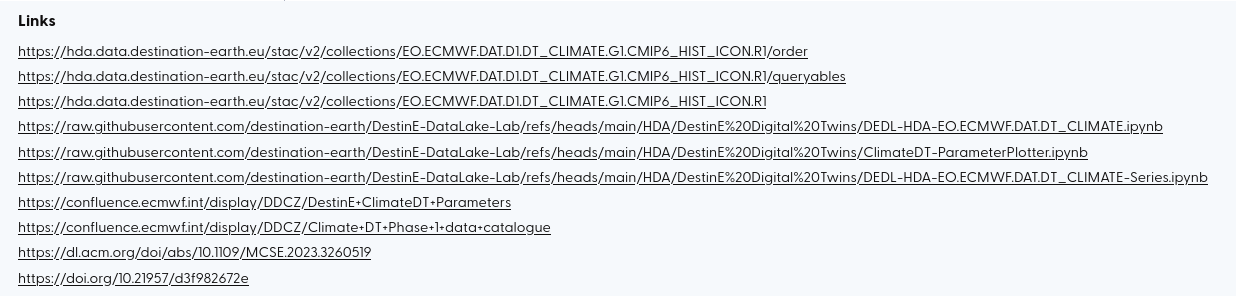
By analogy, the collection name to use for queryables is
EO.ECMWF.DAT.D1.DT_CLIMATE.G1.CMIP6_HIST_ICON.R1